Please download the ClassDojo App from your app/google store.

You will have received a QR code printout on a piece of paper – it will look similar to the one below:

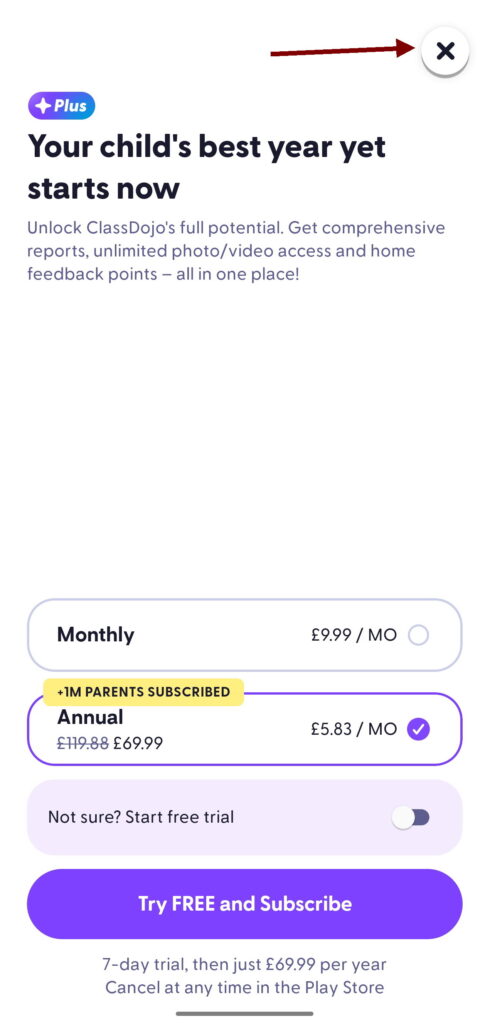
PLEASE NOTE : Throughout the registration process you will be prompted to pay a subscription fee – Please close and ignore this message.
ClassDojo is free to use and you do not need to pay any additional fees.
- Open your camera app and scan your unique QR Code.
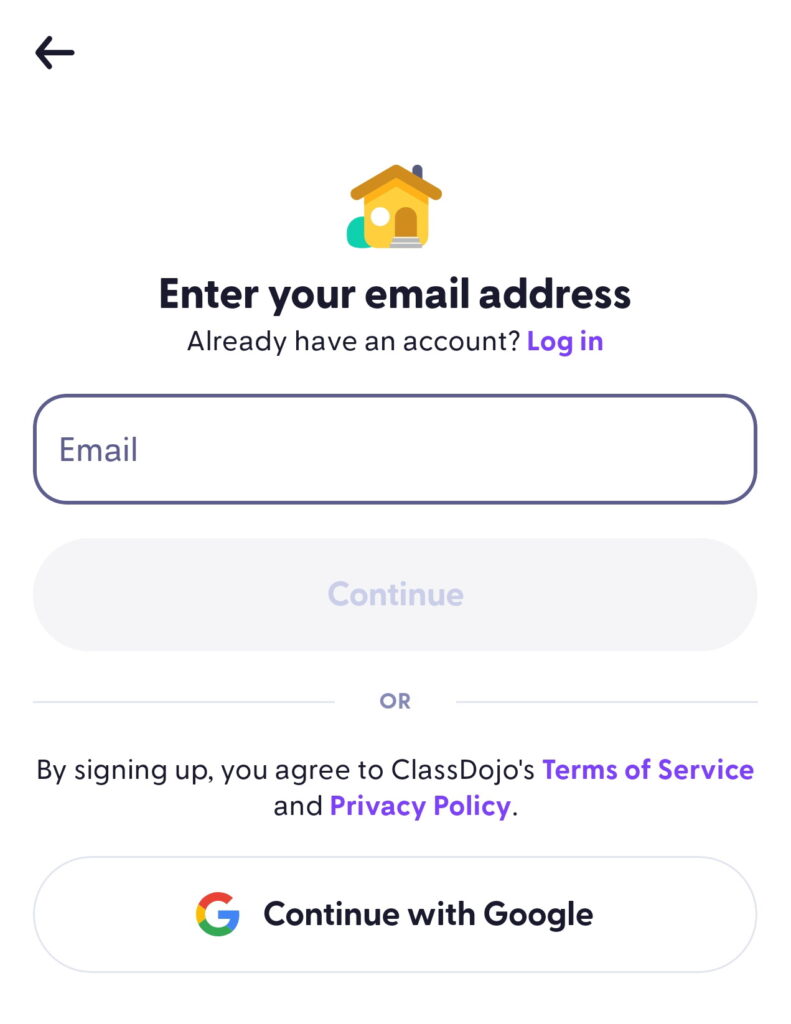
This will automatically open your ClassDojo app. Enter your email address and click continue:
If you are unable to scan the QR code open your ClassDojo app and click sign up as a parent (you will then be able to register using the invite code instead)
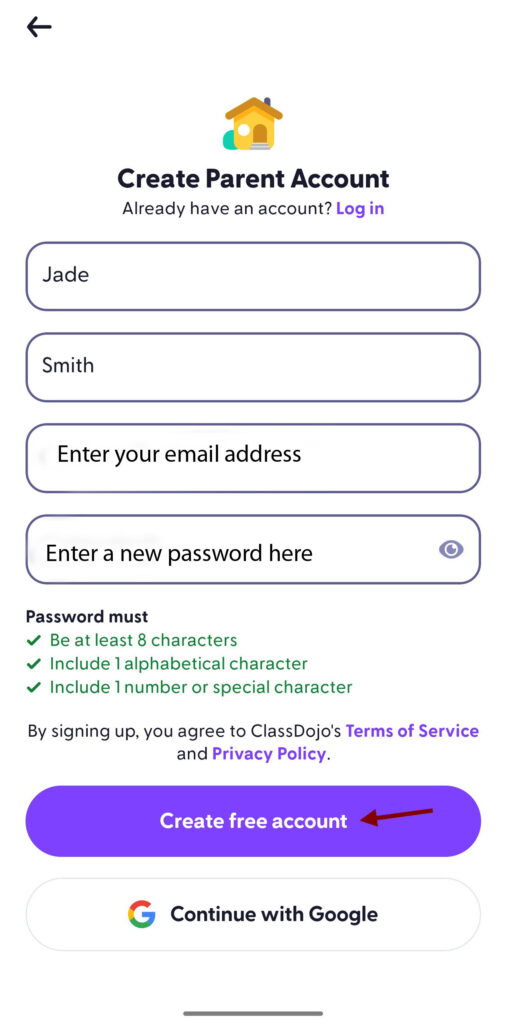
2. Fill in your parent account details and click create free account eg:
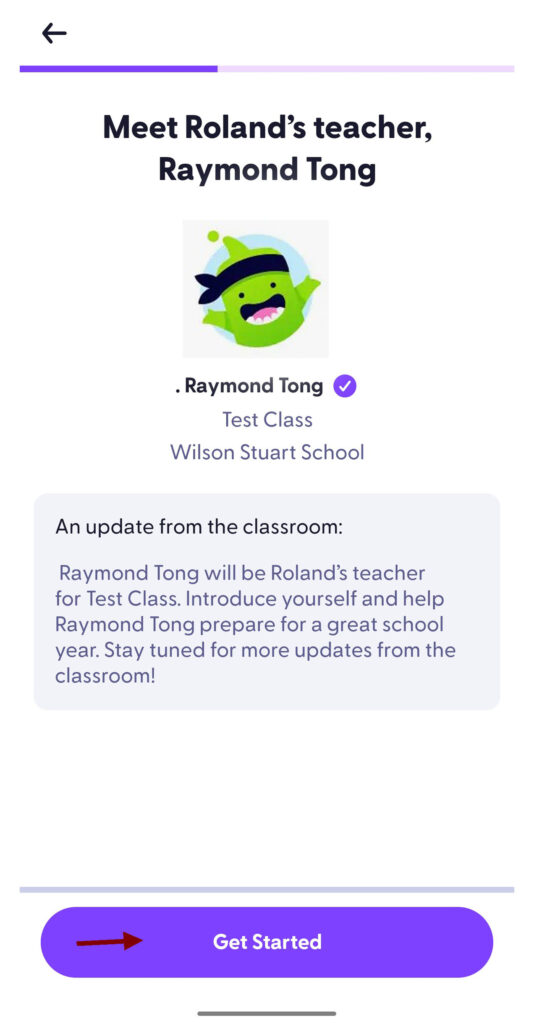
3. Click Get started :
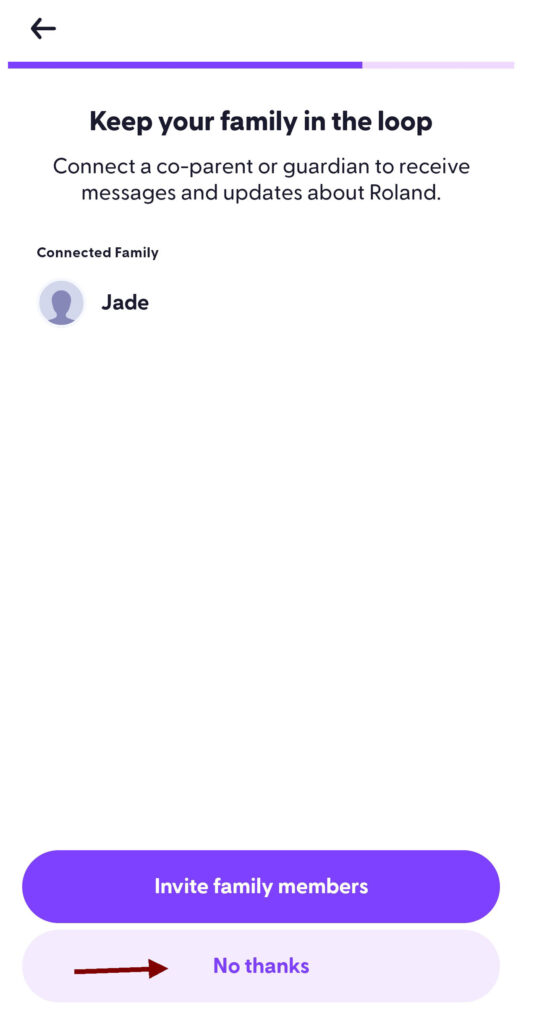
4. Click No thanks

5. Click No thanks
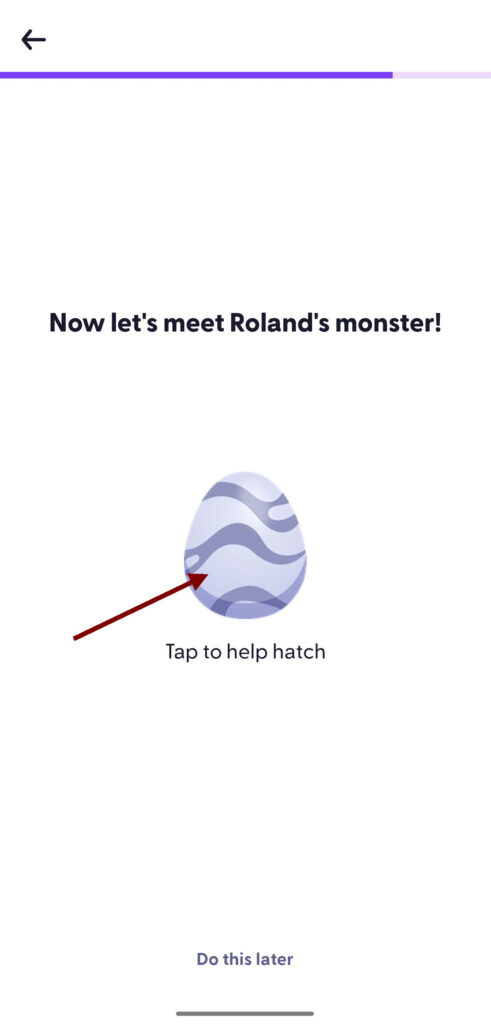
6. Tap to hatch the egg
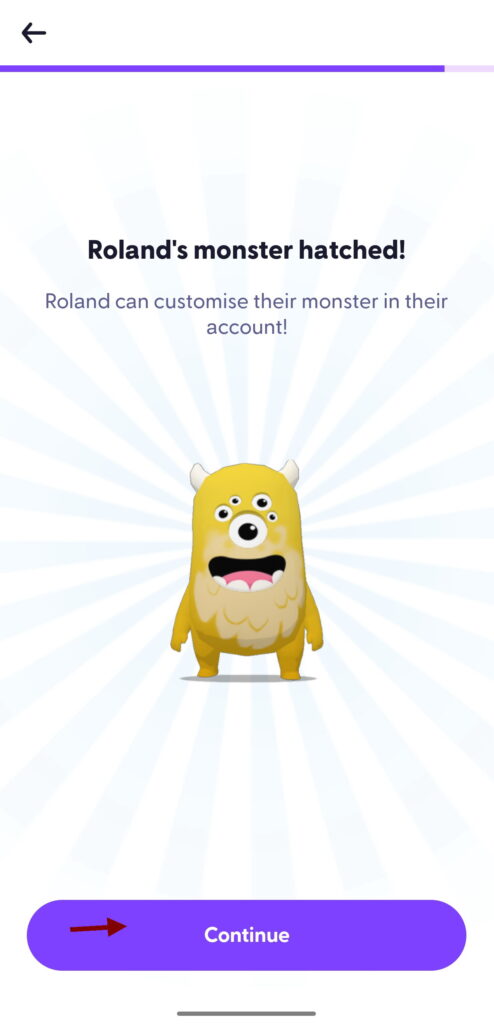
7. Click continue
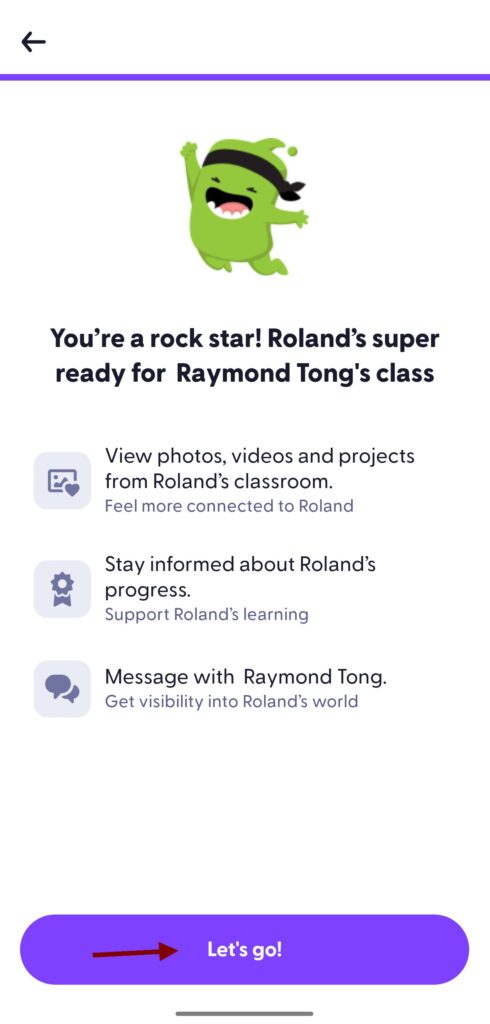
8. Click lets go
9. Click the top right X button to close this window. ClassDojo is free for parents and you not need to pay a monthly fee – Click the X button on the top right of your screen
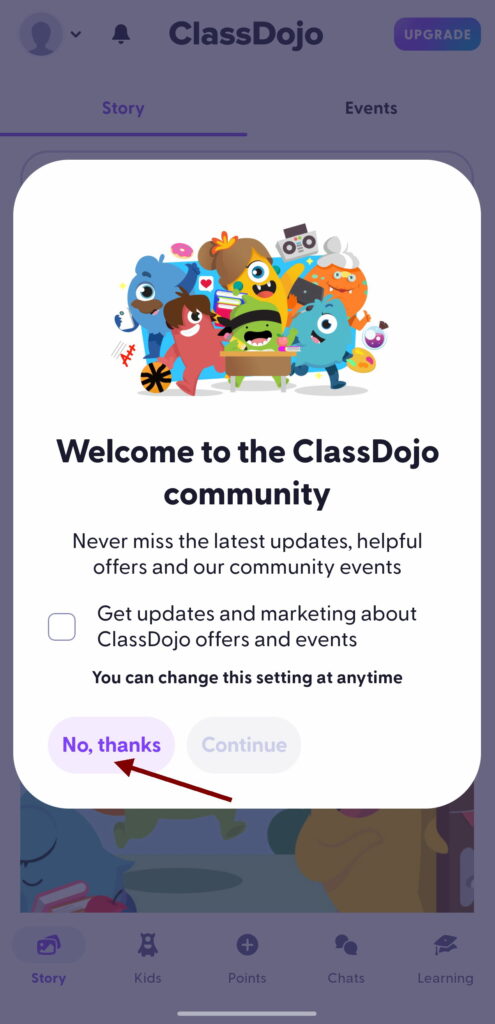
10. Click No Thanks
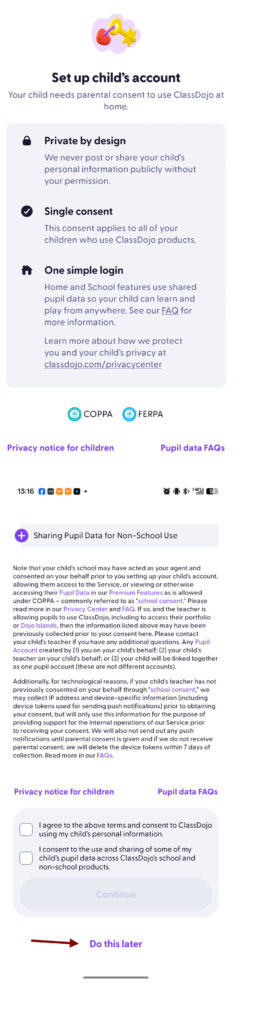
11. Scroll to the bottom of this section and click ‘Do this later’
12. Click Verify. An email from ClassDojo will be sent your email address.
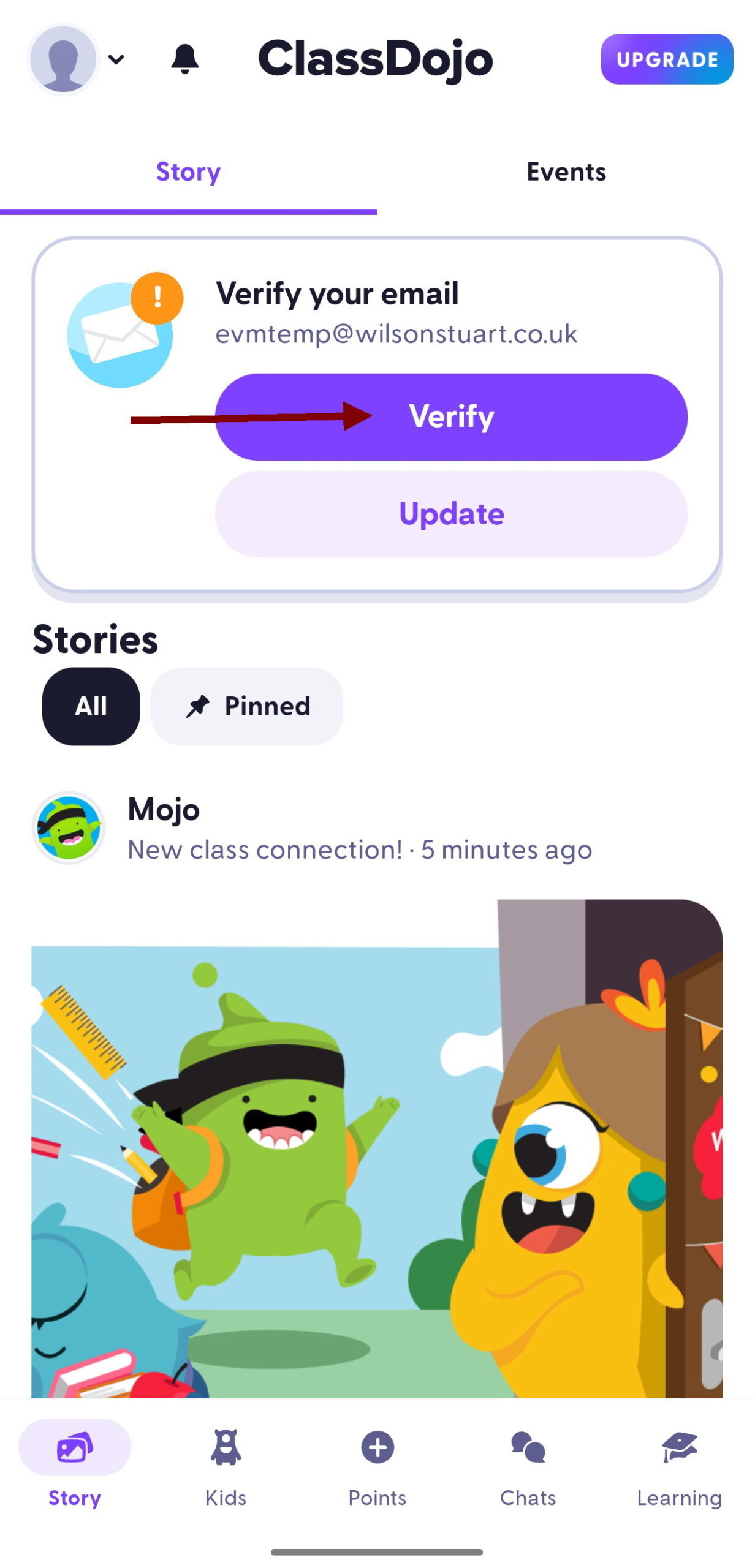
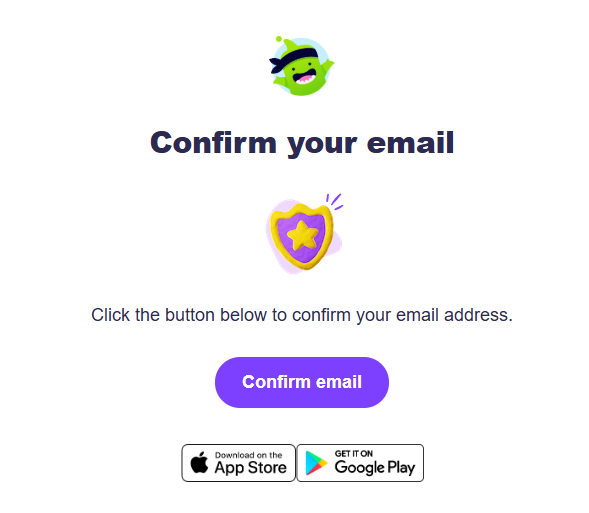
13. Click confirm email and you will have registered successfully